
AI UGC video generator
Make your next creator-style ad.
Bring the product, choose an avatar, and build a video around your message. Create UGC scenes, explore different hooks, and review the details in roasOS.
See current plans and credits
Your references. Your script. A clear starting point.
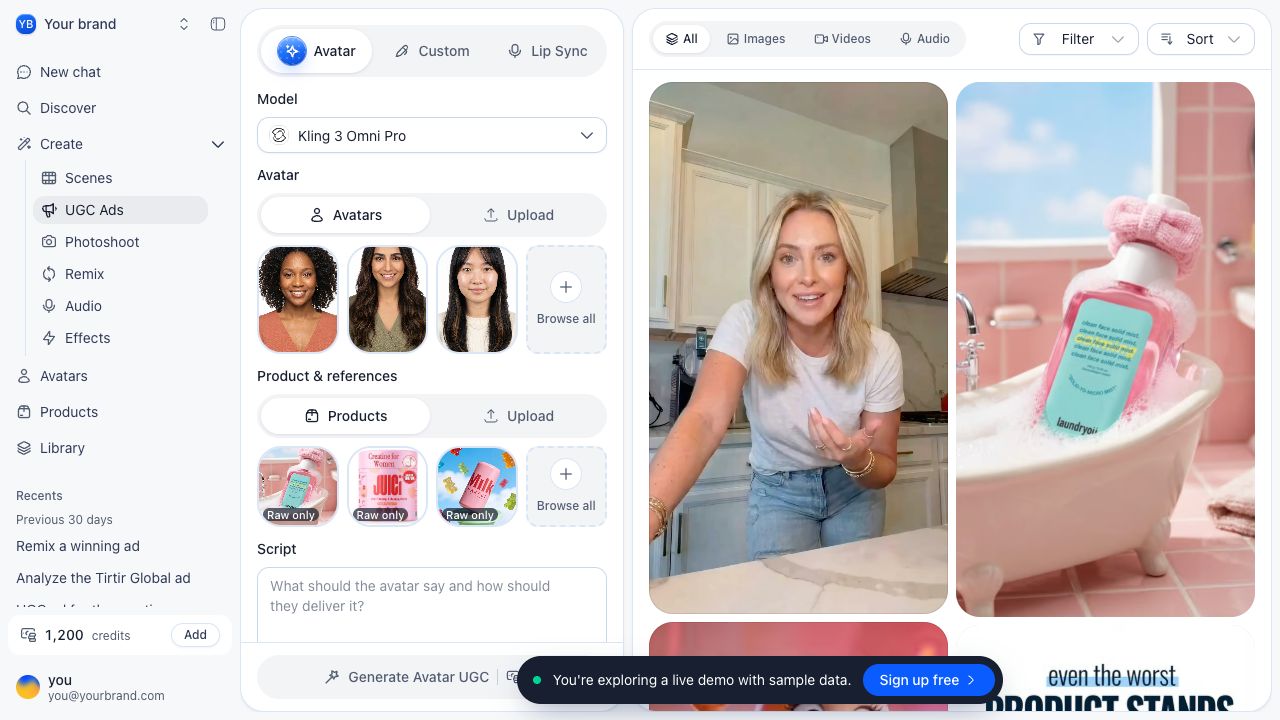
Choose Avatar, Custom or Lip Sync to match the material you have. Model-specific settings keep the available inputs, duration and format visible as you work.
Build the ad one decision at a time.
A specific brief gives every generation a purpose. Start small, approve the base scene, then create meaningful variations.
Prepare your references
Choose the exact product, an authorized avatar and the visual details that must remain unchanged.
Write one clear scene
Answer a buying question with a short script and a simple visible action. Choose the available model and settings for the shot.
Review before you scale
Check packaging, hands, identity and speech. Refine the scene, then vary the hook or delivery while keeping the product accurate.
Keep the product at the center.
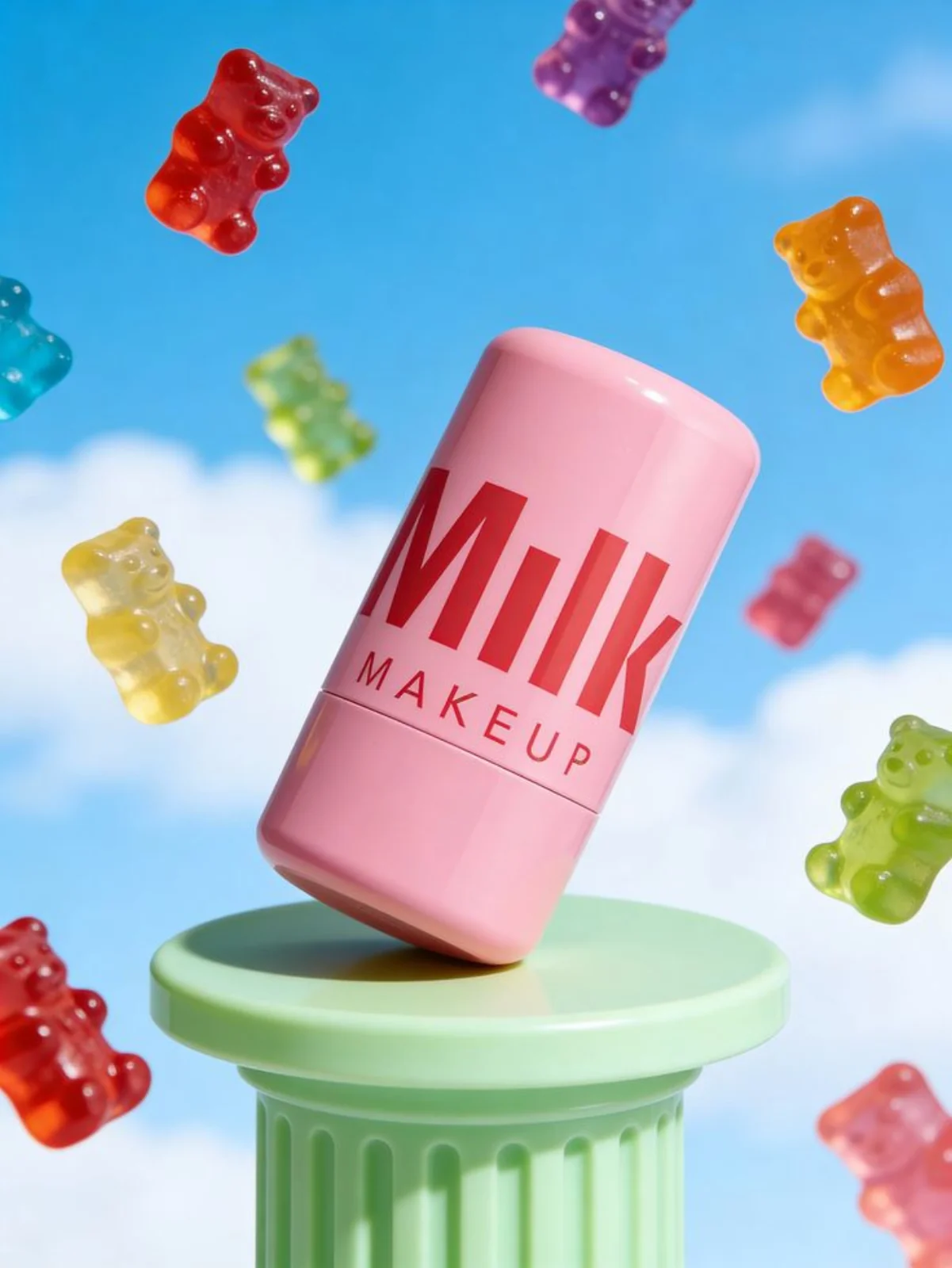
Use creator-style scenes for explanations, product imagery for detail, and a consistent reference pack across your concepts. Review each output against the actual product before it becomes an ad.
Explore the ecommerce workflow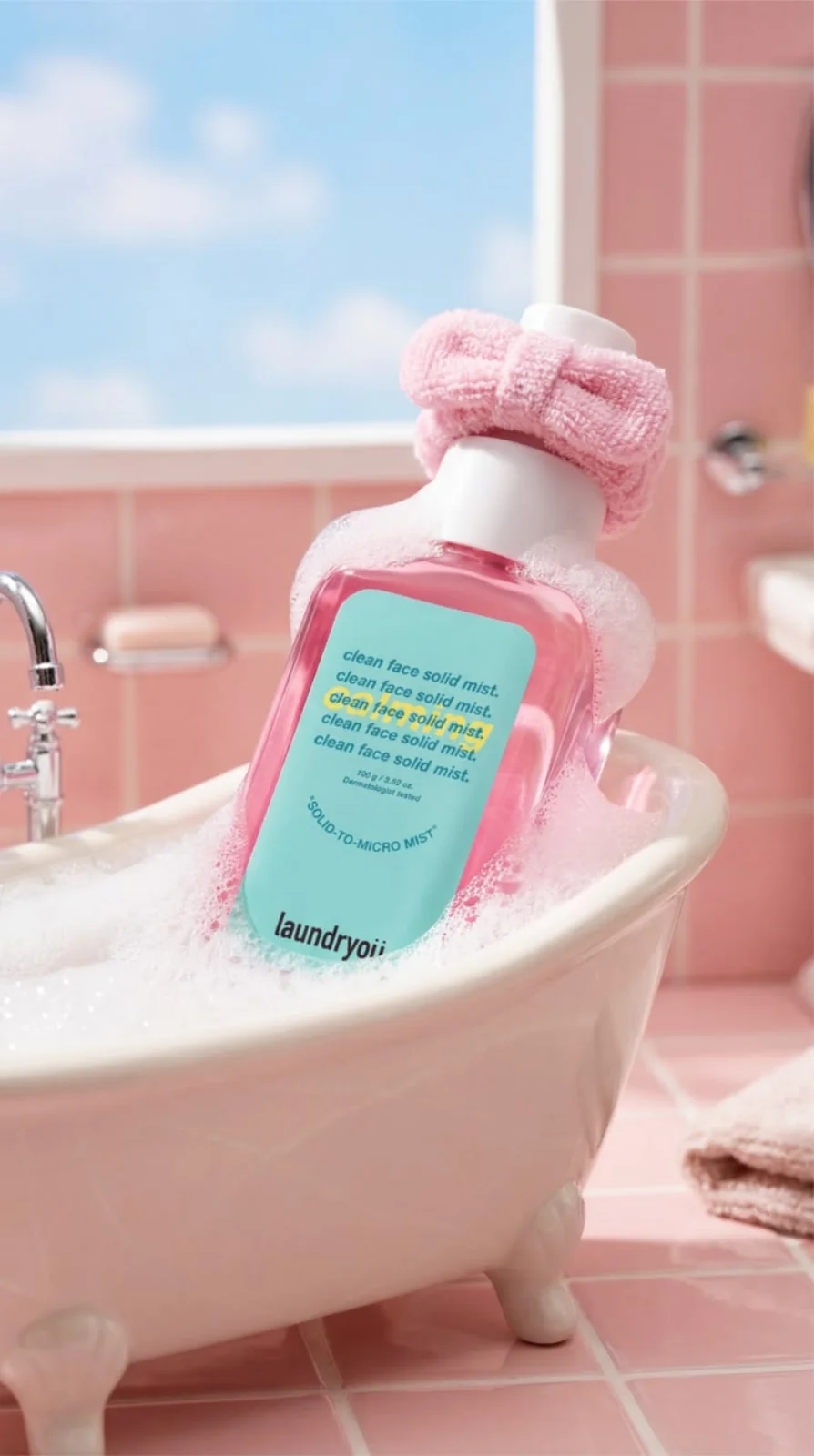
Practical guides for your next ad.
How to make AI UGC ads: from brief to video
Build a creator-style ad from a clear brief, an approved avatar and product references, then review the result before you launch.
UGC ad examples: five formats and how to use them
Compare demonstration, problem-solution, founder, unboxing and comparison formats with practical shot plans and review checks.
UGC ad scripts: templates with shot-by-shot examples
Write a clear hook, demonstration and call to action with adaptable UGC ad script templates and a timed sample.
Arcads alternatives for AI UGC ad production
Compare roasOS, Creatify, MakeUGC, Maxfusion and Starpop by the workflow you need, then use a practical trial scorecard.
Questions about AI UGC.
What is an AI UGC video?
An AI UGC video is creator-style content made with AI. It can use a generated presenter, product imagery and an approved script. It is not evidence that a real customer used or endorsed a product.
What do I need to start?
Bring a clear brief, product references and a short script. Use an avatar you are authorized to use. The inputs required depend on the selected UGC mode and model.
Can I use my own product images?
The UGC workspace includes product and reference inputs. Use clear images of the exact variant you want to show, then review the generated product for accuracy.
How much does generation cost?
The cost depends on the selected model and settings. Review the current credit estimate before generating and include retries and editing when budgeting a finished ad.
Are the demo results from my inputs?
The public demo contains sample data and existing media so you can explore the workflow. Creating a new output requires the production workflow and a generation job.
Will AI UGC ads perform better?
There is no guaranteed performance improvement. Use accurate product claims, review every output, and evaluate creative against your campaign goals.
Ship 10x more creatives. Spend 90% less.
Product photos, video ads, and copy. All from one platform, ready in minutes.
Get started