
AI UGC for ecommerce: a product demo workflow
Turn a product question into a creator-style ad with accurate references, a clear demonstration and a matching destination.
By Janice Phil · Growth · Published
In this article
Choose a question the product can answer on camera
AI UGC for ecommerce works best as a way to explain a product visually. Start with a question from product-page feedback, support conversations or authorized customer research. “How big is it?” leads to a different shot than “What arrives in the box?”
Pick a question you can answer honestly in a short scene. A generated clip can illustrate a feature, but it cannot establish durability, health outcomes or a genuine customer experience. Use the right evidence for the claim.
Prepare a source pack for the SKU
Use the exact variant you will send the viewer to. Include the package front, relevant detail, color and size. If the ad features an accessory, confirm it is included or clearly distinguish it from the product being sold.
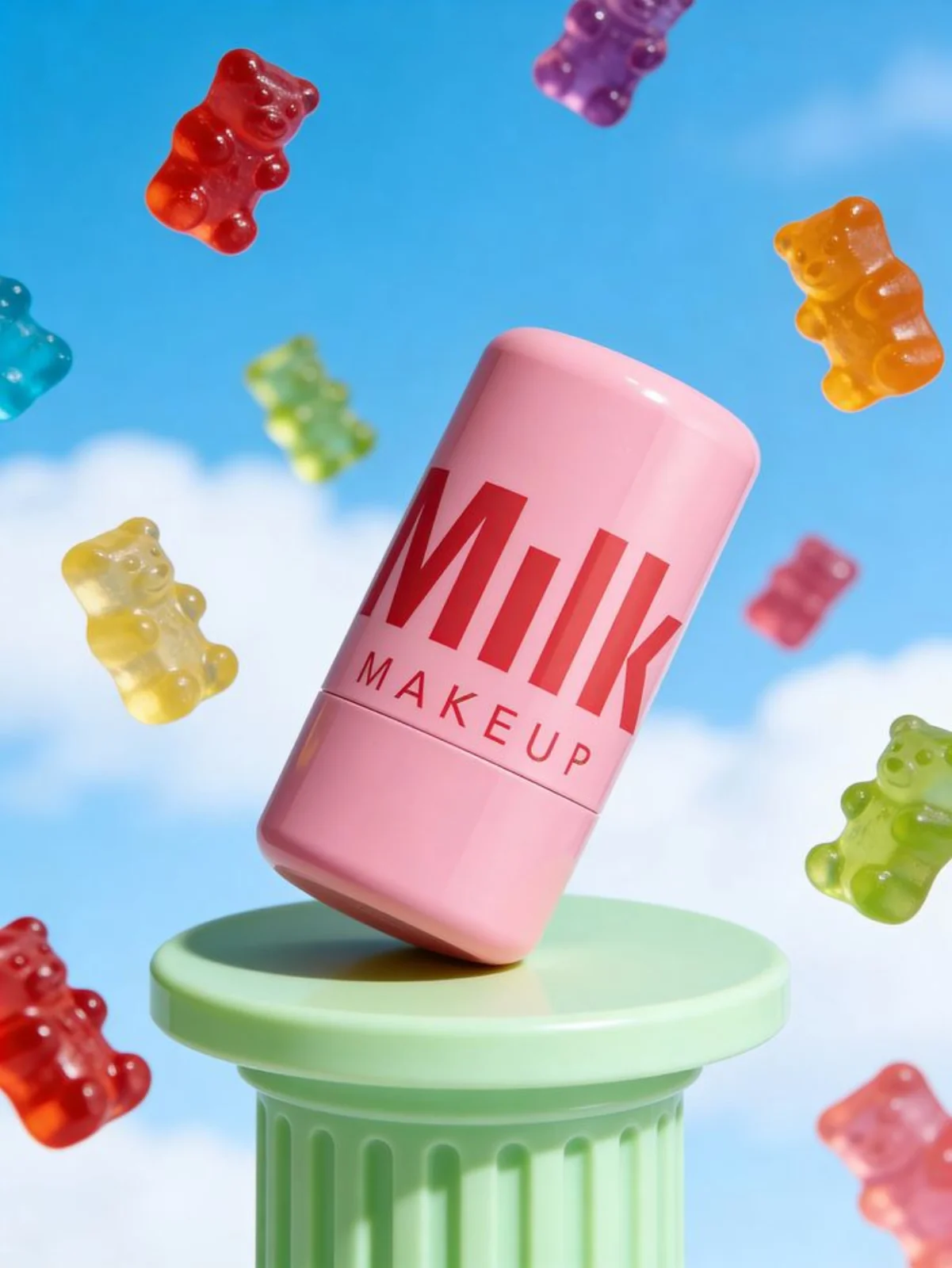
A clean product image is useful for generation, while an attractive lifestyle image can help explain the intended setting. These have different jobs. Do not treat a stylized product creative as an accurate source for hidden construction details.
Plan one demonstration and a product cutaway
For a hypothetical travel container, the buying question could be fit in a compact wash bag. Plan a medium shot of the presenter, a matched-scale product shot, then a bag comparison. Use the actual dimensions to direct the scene.
An actor does not need to perform every difficult movement. A separate product cutaway can show the relevant feature more clearly than a long continuous shot with complex hands.
| Scene | Purpose | Review question |
|---|---|---|
| Presenter introduces the question | Set context | Is the promise specific and supportable? |
| Product close-up | Show the relevant feature | Is the actual variant recognizable? |
| Context shot | Explain fit or use | Is scale consistent with the real product? |
| Destination cue | Connect ad to page | Can the visitor find what was promised? |
Build the first scene in roasOS
Choose the UGC mode that matches your source material. Add the avatar or scene reference, select the product inputs, and use a short approved script. Check the current model settings and estimated credit cost before generating. Keep the first job simple enough to diagnose.
Review packaging, scale, hands and speech. If the visual is attractive but changes the product, reject it. If the ad claims a specific function, the approved footage must actually support that claim; a generated depiction alone does not validate it.
Connect the ad to a useful product page
The destination should repeat the relevant variant, explain the feature and make the next action straightforward. If the ad asks viewers to compare dimensions, place dimensions where they can find them. An unrelated sale page breaks the continuity.
After launch, separate creative attention from purchase behavior. Use your store and advertising measurement to understand the path; do not assume a good-looking clip is a winning ad. Document what you changed for the next batch.
Start with one SKU and a small set of distinct questions. That gives your team a reusable production pattern without producing a large folder of near-duplicate ads.