
UGC ad scripts: templates with shot-by-shot examples
Write a clear hook, demonstration and call to action with adaptable UGC ad script templates and a timed sample.
By Janice Phil · Growth · Published

In this article
Write the picture and the words together
A UGC ad script is a production plan, not just a paragraph to read. It tells the presenter what to say, what the audience sees, and where the edit changes. Writing all three together helps you notice when the words promise something the shot cannot demonstrate.
Use one audience, one buying question and one action. A short ad can answer whether a product fits in a bag; it cannot convincingly explain every feature, every offer and the company history. Keep the first version narrow enough to review.
A 20-second demonstration script
This illustrative script is for a hypothetical compact travel bottle. Replace each bracketed detail with a verified fact. Timings are planning targets, not guaranteed generation durations; read the lines aloud and adapt to the selected model or edit.
| Time | Speech | Shot |
|---|---|---|
| 0–3s | “Will this fit in a small travel bag?” | Show the actual bag and bottle together |
| 3–8s | “Here is the [verified size] next to my everyday kit.” | Stable scale comparison |
| 8–14s | “The [verified opening feature] works like this.” | One simple, visible action |
| 14–20s | “Check the dimensions and available colors on the product page.” | Bottle close-up and destination |
Three structures to adapt
Demonstration template: “Wondering whether [product] can [observable task]? Here is [specific action]. Notice [verified detail]. See [next information] on the product page.” This works when the visual can carry most of the explanation.
Objection template: “Before you choose [category], check [relevant constraint]. This version has [verified specification]. Here is what that looks like in use. Compare the [sizes/options] before ordering.” This is useful when buyers need a practical qualification rather than more excitement.
Comparison template: “These two options solve [job] differently. One gives you [verified property]; the other gives you [verified property]. If you need [specific situation], compare [decision criterion].” Keep the comparison fair and avoid declaring a universal winner from one feature.
Make the script workable for an avatar
Give the performer a delivery instruction: conversational pace, a brief pause before the demonstration, and emphasis on one important word. Do not write phonetic filler into every sentence to imitate authenticity. If a product name is pronounced incorrectly, shorten the line or provide a pronunciation instruction supported by the workflow.
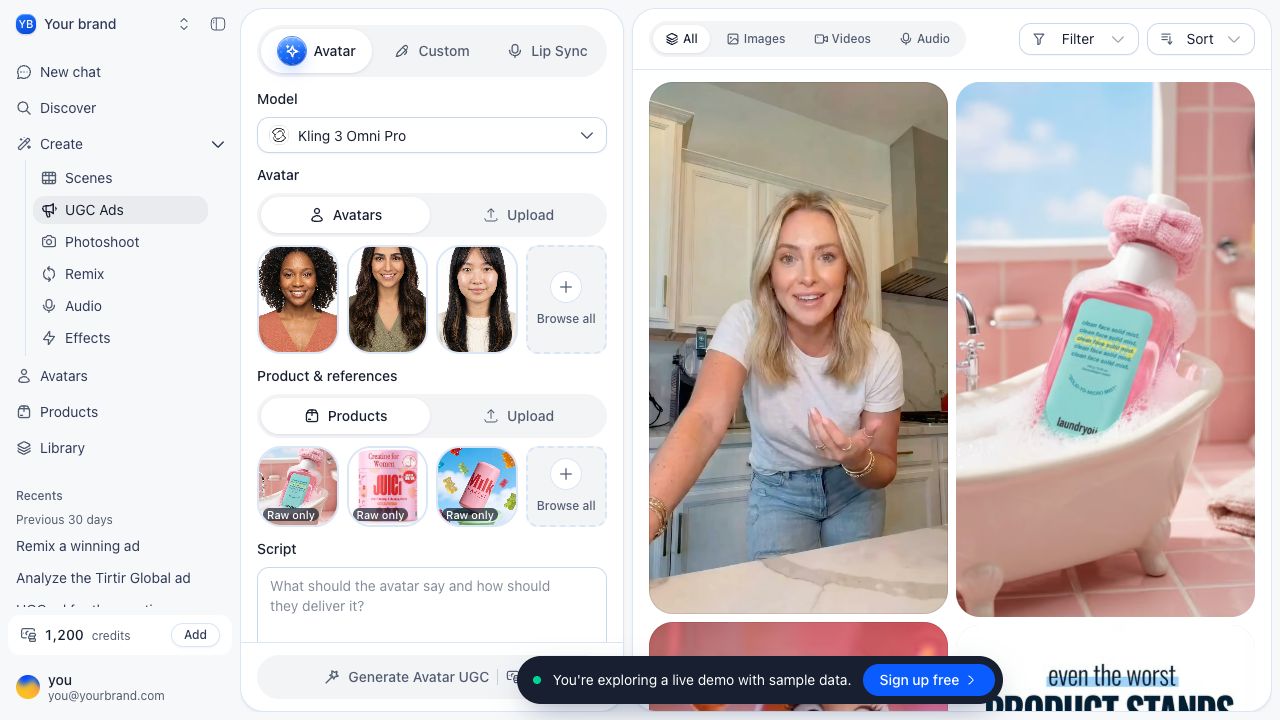
Keep spoken lines separate from camera directions. In roasOS, the selected UGC mode determines how the script and visual inputs are used. Start with the intended mode and available duration, then make the script fit rather than expecting the software to compress a full minute into a short shot.
Edit for accuracy and a single action
Remove unsupported superlatives, personal experiences the presenter did not have, and claims that need evidence you do not hold. A clear feature explanation is stronger than an invented success story. If a genuine customer quotation is used, preserve its meaning and handle permission and disclosure appropriately.
Read the draft with a stopwatch. Mark where you run out of breath, where a visual action needs more time, and where the viewer would ask “What does that mean?” Replace abstract benefit language with a specific visible detail.
End with the action the landing page supports. “Compare dimensions” needs a dimensions section; “See colors” needs available colors. Matching the ad promise to the destination is part of writing the script.