
AI Static Ad Creative
Make one image carry the message.
Build static ad visuals in roasOS with product-focused composition, space for copy and a clear offer.
See current plans and credits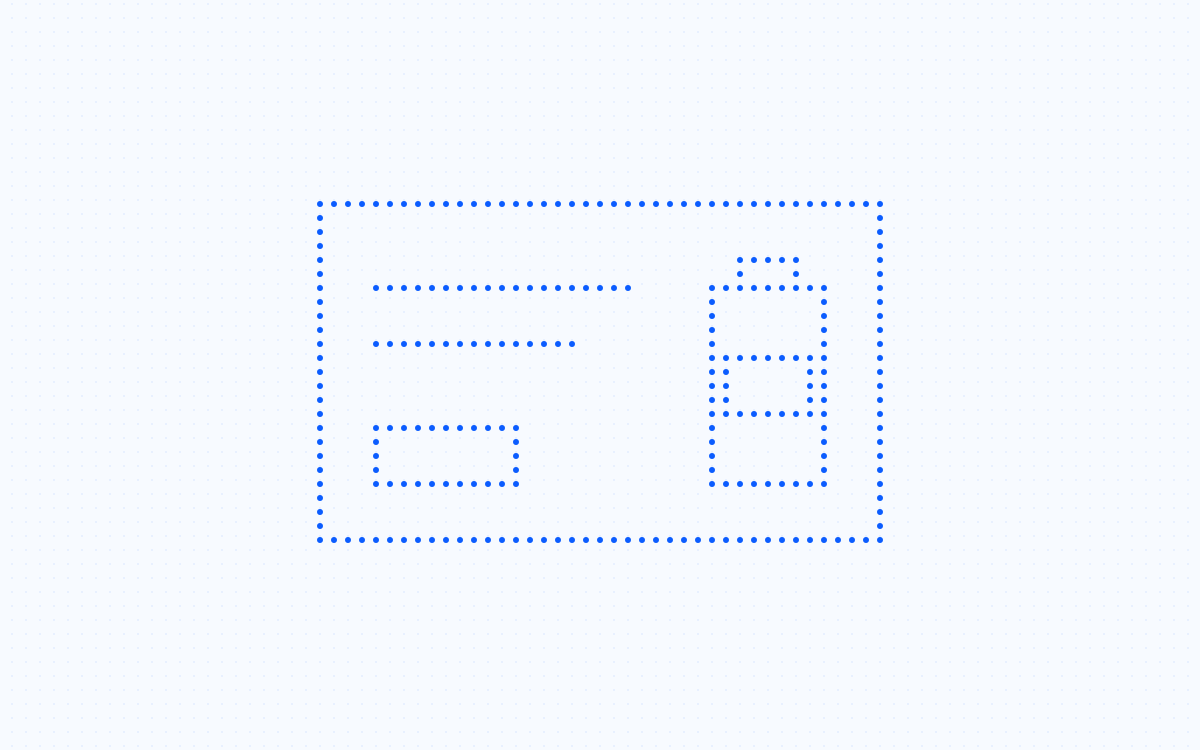
Start with a clear creative job.
A static ad needs a readable hierarchy: what the product is, why it matters and what the viewer should do next. Start with the image composition and plan where final copy will sit. roasOS can generate the visual or adapt an authorized reference; check typography and layout in the final assembly rather than assuming generated lettering is ready to publish.
What to bring
- Product reference
- One message and approved offer
- Layout and placement requirements
From brief to reviewed creative.
- 01
Sketch the hierarchy
Choose the product focal point, headline area and supporting detail. Avoid giving every element equal visual weight.
- 02
Create the visual
Use product photography or image generation for the background and product treatment. Keep space for the final headline and call to action.
- 03
Finish the layout
Add and verify exact copy, then inspect the export at feed size. Compare an alternate treatment while keeping the offer stable.
A brief to adapt.
Illustrative starting point—replace it with your actual product and approved information.
Create a clean product composition with the bottle on the right and open space on the left. Do not render text; we will add the approved offer in the final layout.
Before the asset becomes an ad.
- Headline is readable
- Product and offer agree
- No inaccurate generated text
Available models, inputs and credit estimates depend on the selected workflow. Check the current controls before generating, and review the final asset in its intended placement.
Tools for this job.
AI Product Photography
Create product images from references in roasOS. Plan backgrounds, lighting and composition while keeping the actual product at the center.
AI Image Generator for Ad Creative
Generate campaign images in roasOS from prompts and supported references, with model-specific output controls.
AI Ad Remix
Explore image and video remix workflows in roasOS using authorized source creative, product references and a clear revision brief.
Questions about this workflow.
Can I make variants from an existing ad?
Use an authorized source in Remix and specify which composition details should stay. Replace branding, product and offer with your own accurate material.
Why leave text out of the generated image?
It can make exact copy easier to control. If text is generated, inspect every letter and number before using the asset.
Go deeper with the guides.
UGC ad examples: five formats and how to use them
Compare demonstration, problem-solution, founder, unboxing and comparison formats with practical shot plans and review checks.
Turn one AI UGC concept into testable ad variations
Build a variation matrix that separates concepts from executions and keeps each creative change easy to understand.
Ship 10x more creatives. Spend 90% less.
Product photos, video ads, and copy. All from one platform, ready in minutes.
Get started